

For education
Tools for the classroom, built by someone who stands in front of one every week.
Sam Serrien, founder of GeNx, is also a lecturer in Multimedia & Creative Technology at Karel de Grote University of Applied Sciences. Next to teaching, Sam builds the tools education is missing: an AI tutor that answers from the course material, slides students connect to their AI assistant, an app that shows how busy the campus is.
What we do for education
AI that stays within the lines
AI tutors that answer from your own course material, with citations, guardrails and a coaching mode that gives hints first. Or an MCP connector, so students can use your lessons in Claude, ChatGPT or Le Chat.
Interactive course material
Slides with quizzes, step by step builds and a speaker view, practice platforms and learning games. Made to teach with, not just to look at.
Tools for lecturers and programmes
Integrations with Canvas, TimeEdit and Microsoft 365. Setting up courses, creating a repository per student, evaluating internships: the work lecturers still do by hand today.
Platforms for education projects
Reflection tools, project sites and web apps for education and research. Hosted in the EU and built with privacy and accessibility in mind.
Shaping technical study programmes
From learning objectives and learning outcomes to a complete curriculum and the dossier for the new programme assessment (TNO). We help you think it through when you build or revise a course or programme.
Training for teaching teams
How do you use AI meaningfully in your lessons, and where do you draw the line? Practical sessions for teams, with examples from real courses.
What we have built
A selection of the tools running in lessons and programmes today.
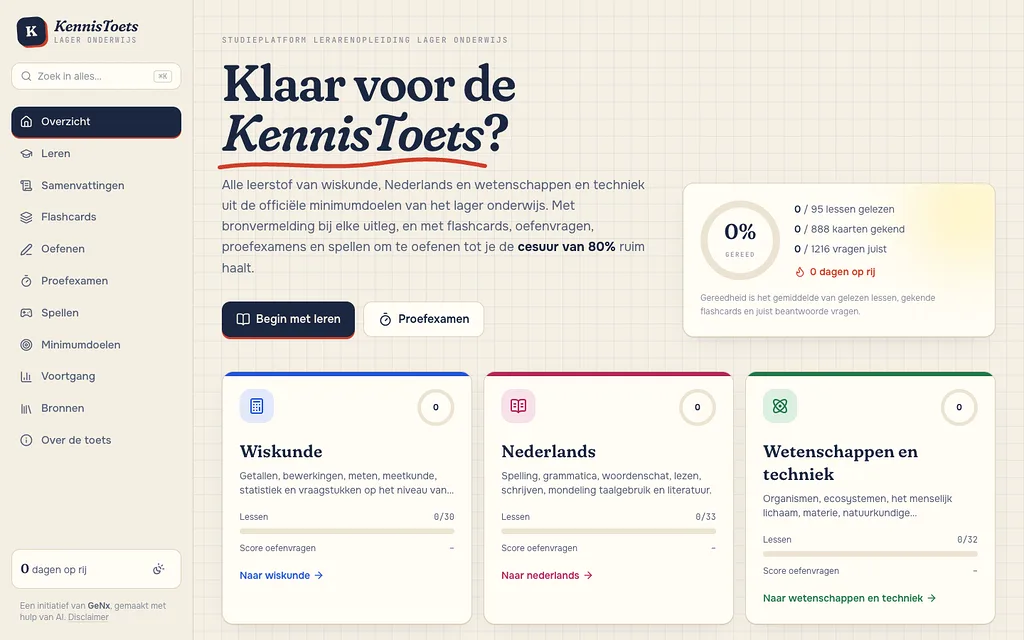
KennisToets
OnlineA study platform for the KennisToets, the knowledge test in Flemish primary teacher training. Lessons built around the official minimum goals with a source for every explanation, flashcards with spaced repetition, six types of practice questions, timed mock exams and arithmetic games.
kennistoets.be(opens in a new tab)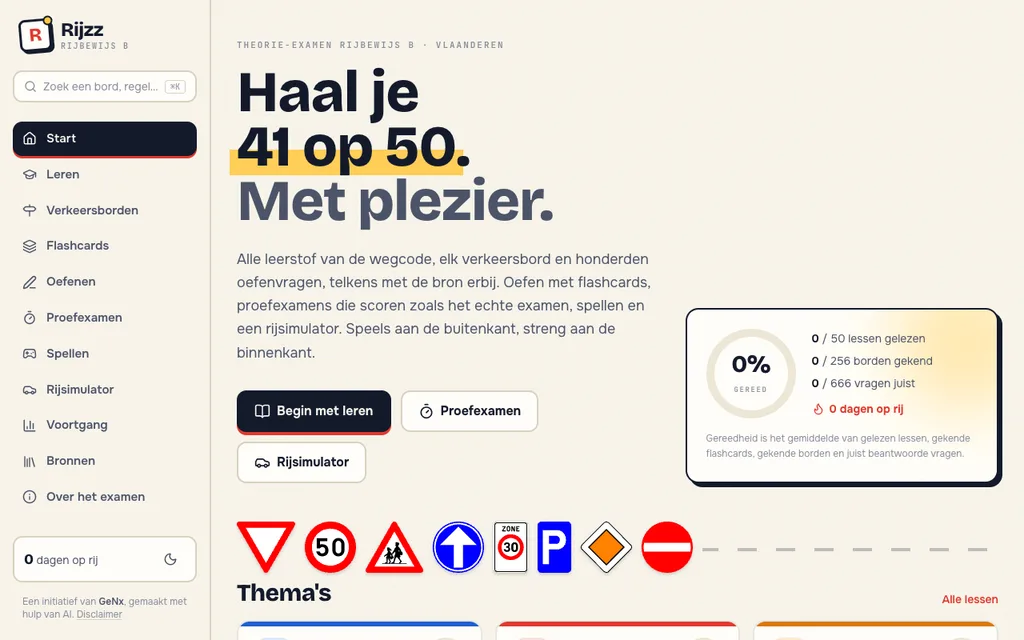
Rijzz
OnlineA practice platform for the Flemish driving theory exam (licence B). The full highway code with a source for every explanation, every traffic sign, hundreds of practice questions, flashcards with spaced repetition, mock exams scored like the real exam, games and a driving simulator.
rijzz.be(opens in a new tab)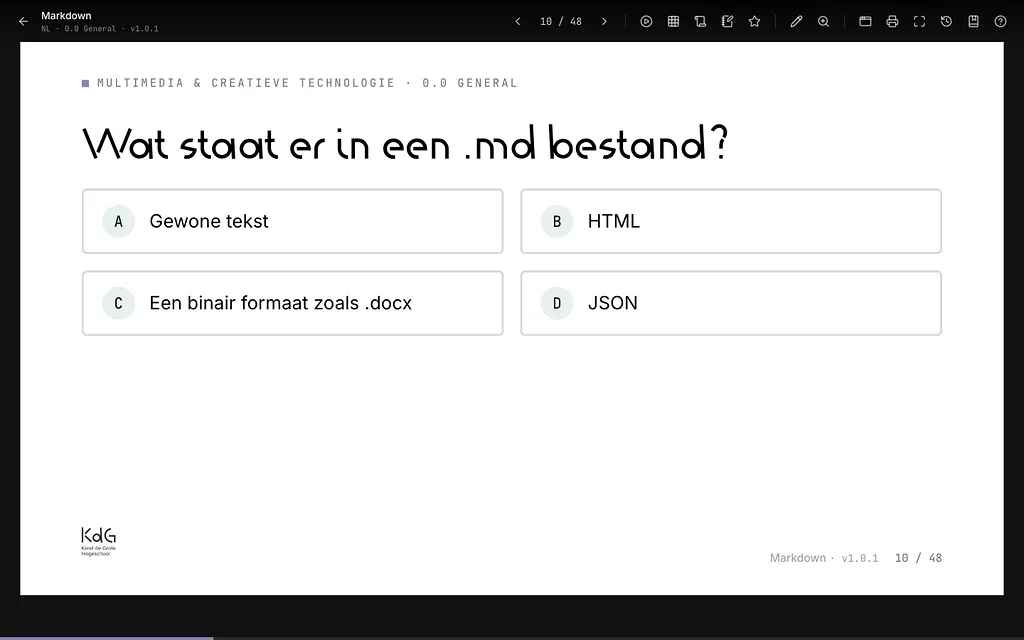
KdG Slides
OnlineA custom slide framework with more than 80 lessons in two languages. Quizzes, timers, drawing on the slide, a laser pointer, a speaker view and search across every lesson.
slides.mctantwerp.be(opens in a new tab)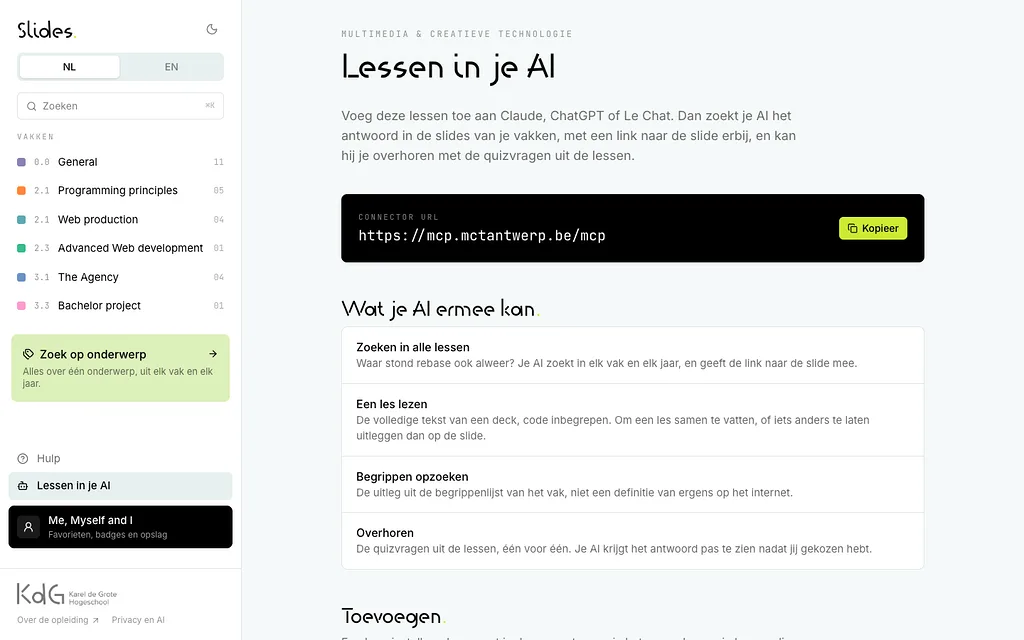
Lessons as an AI connector
OnlineStudents add the lessons as an MCP connector in Claude, ChatGPT or Le Chat. Their assistant then searches the actual slides, links to the right slide and asks practice questions without giving away the answer.
slides.mctantwerp.be/en/ai/(opens in a new tab)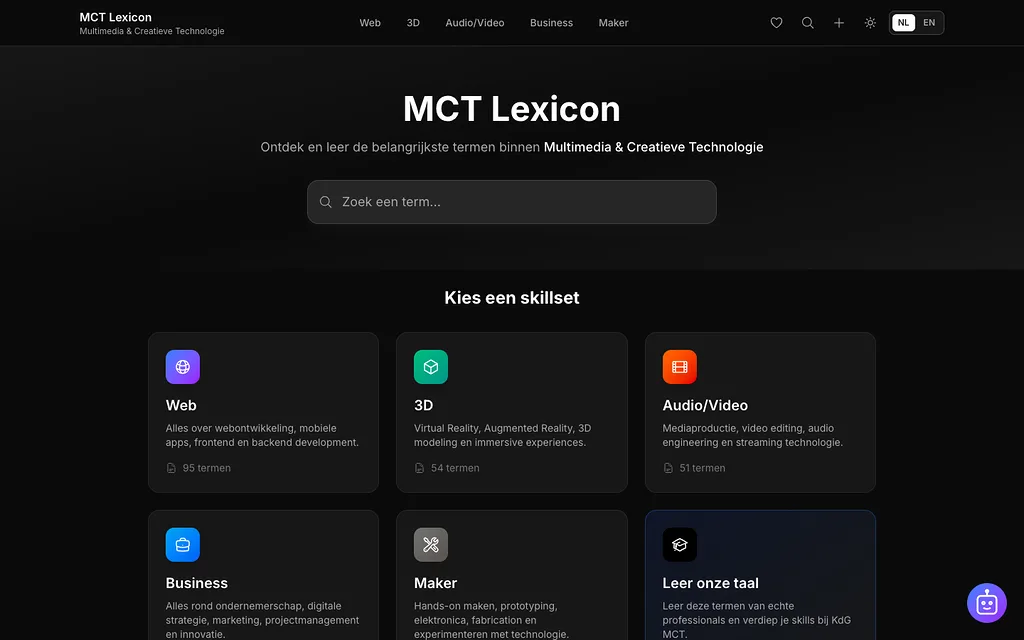
MCT Lexicon
OnlineThe programme's dictionary: more than 200 terms per skill set, in two languages, with a chatbot that knows which page you are on.
lexicon.mctantwerp.be/en(opens in a new tab)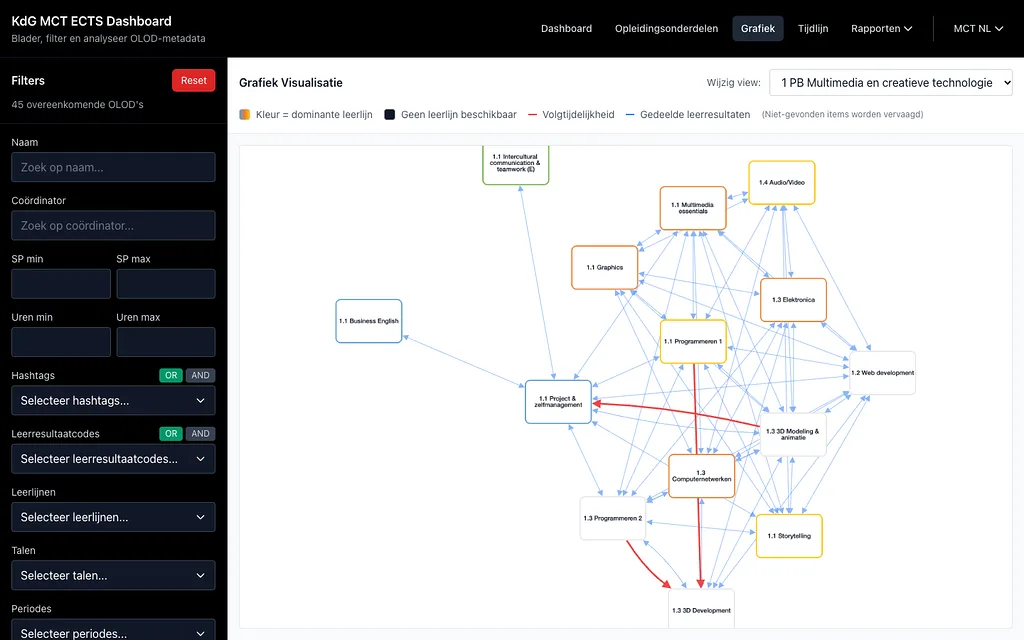
ECTS dashboard
OnlineEvery course unit of a programme in one dashboard, straight from the ECTS sheets. Filter on learning outcomes, learning lines and assessment methods, and see in a graph which courses build on each other and share learning outcomes.
ects.mctantwerp.be(opens in a new tab)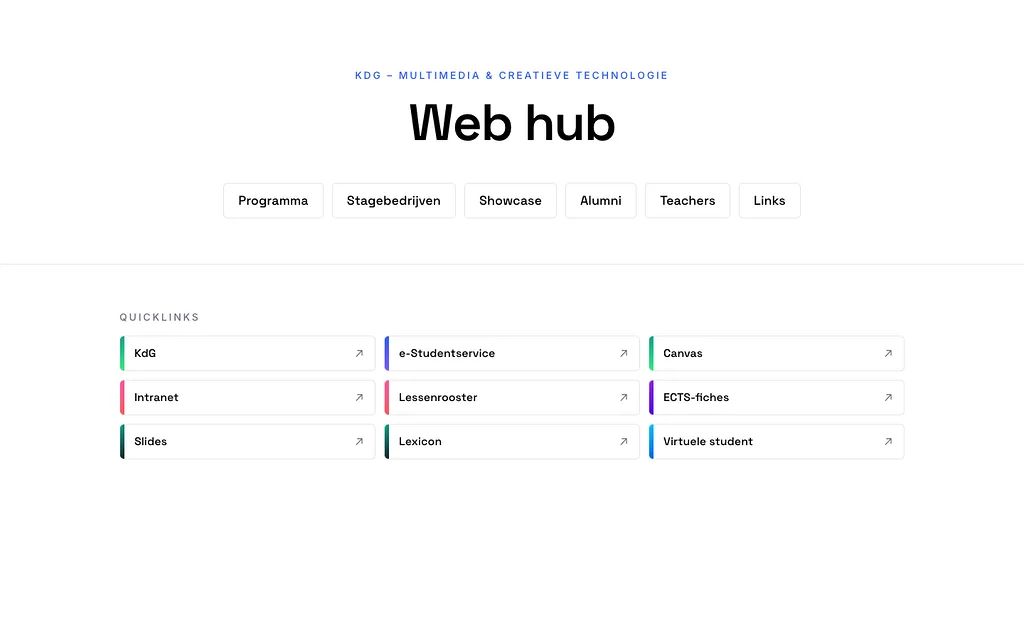
MCT Hub
OnlineThe programme's home base: the curriculum, internship companies, a showcase of student work, alumni and lecturers, with quick links to every tool.
hub.mctantwerp.be(opens in a new tab)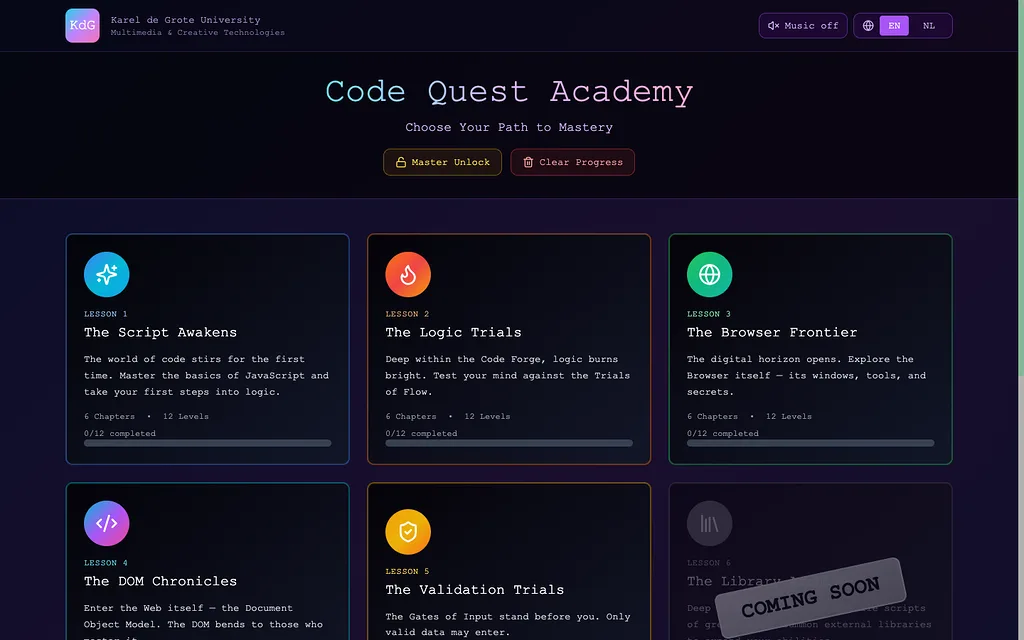
Code Quest Academy
OnlineLearning JavaScript as a text adventure, with levels, achievements and a code console in the browser.
quest.javascript.learn.mctantwerp.be(opens in a new tab)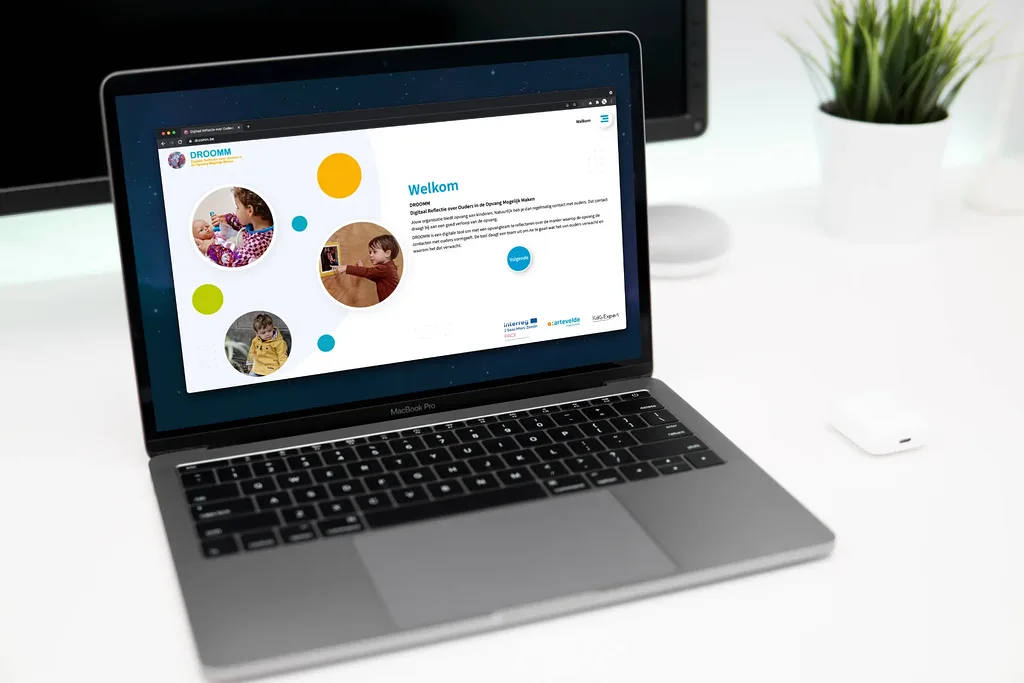
DROOMM
OnlineA digital reflection tool that helps childcare teams think about how they shape contact with parents and what they expect from them.
View the projectGPTutor
In pilotAn AI tutor connected to Canvas. The lecturer picks which material counts and the tutor answers from it, with citations. Students choose between coaching and a direct answer, turn their conversation into a quiz and get a study plan towards the exam.
Campus crowd meter
InternalHow busy is the campus right now? The app estimates it per half hour from the TimeEdit timetable, shows which rooms are free and lets you watch the campus fill up over the day.
Canvas client
In useA desktop app for lecturers that brings Canvas and the TimeEdit timetable together, works offline and sets up a new course in a few steps.
Course Manager
In useA homegrown alternative to GitHub Classroom: a repository per student, feedback through pull requests, portfolio rounds and final evaluations that are locked in.
GROW
In useInternship evaluation for students, company mentors and lecturers. Interim evaluations are locked in and the tool suggests a score band, but the grade stays with the lecturer.
Orthopedagogical ground plan
A digital canvas where care workers build an orthopedagogical plan from building blocks at micro, meso and macro level, and draw on it directly.
From learning outcome to curriculum
Good tools start with good education. For the associate degree in Internet of Things, Sam co-designed the curriculum with the IoT team at KdG, along with the strategy around learning objectives and learning outcomes. Sam co-wrote the new programme assessment (Toets Nieuwe Opleiding) and helped defend the programme before VLHORA. We bring that knowledge along when you build or revise a course or programme.
Why work with us
How we work together
Introduction
Together we look at where your lessons or programme get stuck, and what lecturers and students actually gain.
Prototype and pilot
First a working version in one course or one programme. You learn fast what works, before much time or budget goes into it.
Roll out and maintain
What works, we roll out more widely. Hosting, updates and support are on us.
An idea for your course or programme?
Tell us where it gets stuck. We are happy to think along.
Get in touch